
ScreenDock
A 5-in-1 docking station with a built-in mini display, 100W PD input, USB 3.0 and SD/microSD slots
Editor’s view
Why it matters
Laptop work tends to sprawl: too few USB ports, a card reader that is never where you left it, and a charging cable that occupies the one port you needed. ScreenDock is a GREEN FUNDING project that proposes a single answer to those small frictions, a docking station that also carries its own display.
A screen beside the screen
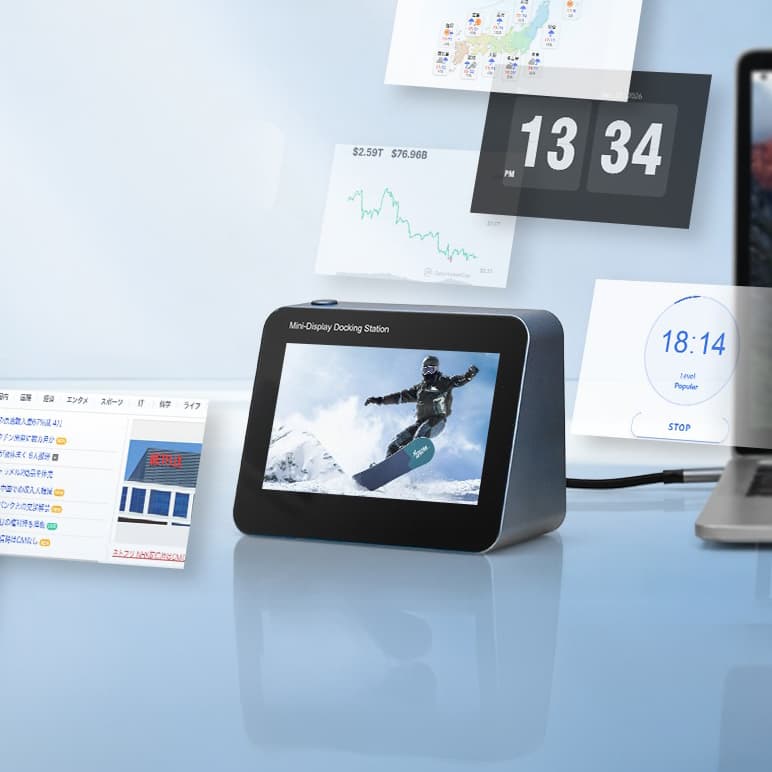
The centerpiece is a built-in mini display measuring 10×8cm at 1280×720px. The maker pitches it as a place for information you want in view without cluttering the main screen: calendars, clocks, weather, news, stock data, reference documents, web pages, video or live camera feeds such as a home network or pet camera. It supports both mirroring and extended display modes, so it can duplicate the main screen or act as an independent second display. When idle, the maker suggests it can serve as a digital photo frame.
Power and ports
ScreenDock accepts up to 100W Power Delivery input via USB Type-C. According to the maker, roughly 15W of that is used by the built-in display and circuitry, with the remainder passed to the Host port. With the dock's power cable connected, the laptop needs only one full-featured USB-C cable for charging, data and video. The maker names the MacBook Pro, Dell XPS and Surface Laptop as examples of higher-power machines it is intended to support.
- Built-in 10×8cm, 1280×720px mini display with mirroring and extended modes
- USB Type-C input supporting up to 100W Power Delivery
- Two USB 3.0 ports, up to 5Gbps
- SD and microSD card slots
- 13.7×6.2×9.6cm, approx. 500g; stands upright on its own
- Windows and macOS support, no driver installation required
Compact, portable, driver-free
At 13.7×6.2×9.6cm and about 500g, the unit stands vertically without a separate stand, and the maker positions it as something to carry between office, café and travel. It is described as plug-and-play on Windows and macOS. One caveat the maker spells out: to use the display features, the connected laptop or tablet needs a USB Type-C port that supports DisplayPort Alt Mode, which carries video over USB-C.
Product information is based on manufacturer announcements. Modern-G has not tested this product hands-on. Last updated:
Details
Specifications
Full specifications are not confirmed yet. We will update this page once they are published.
- Desk work
For Brands
Are you the brand behind this product?
Brands will be able to verify and request corrections to their listings here.
Keep exploring
Related discoveries

Computers & Mobile
Oaketa
A slim, motorized behind-the-sofa console that raises and lowers storage, shelving and charging ports.

Computers & Mobile
RoboLite
A 5-in-1 modular power hub that stacks magnetic battery modules instead of growing one big box
Computers & Mobile
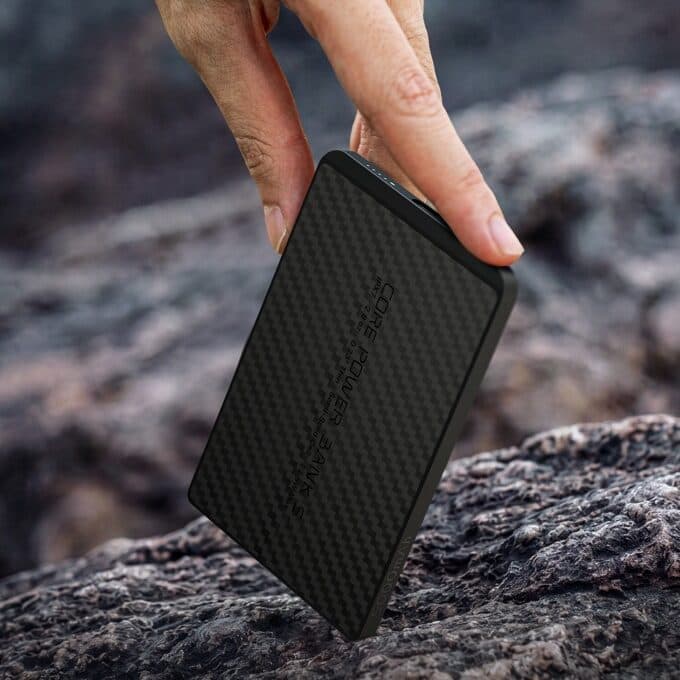
CORE POWER BANK S
A 5000mAh power bank just 5.8mm thick and about 78g, built around a semi-solid-state battery
Computers & Mobile
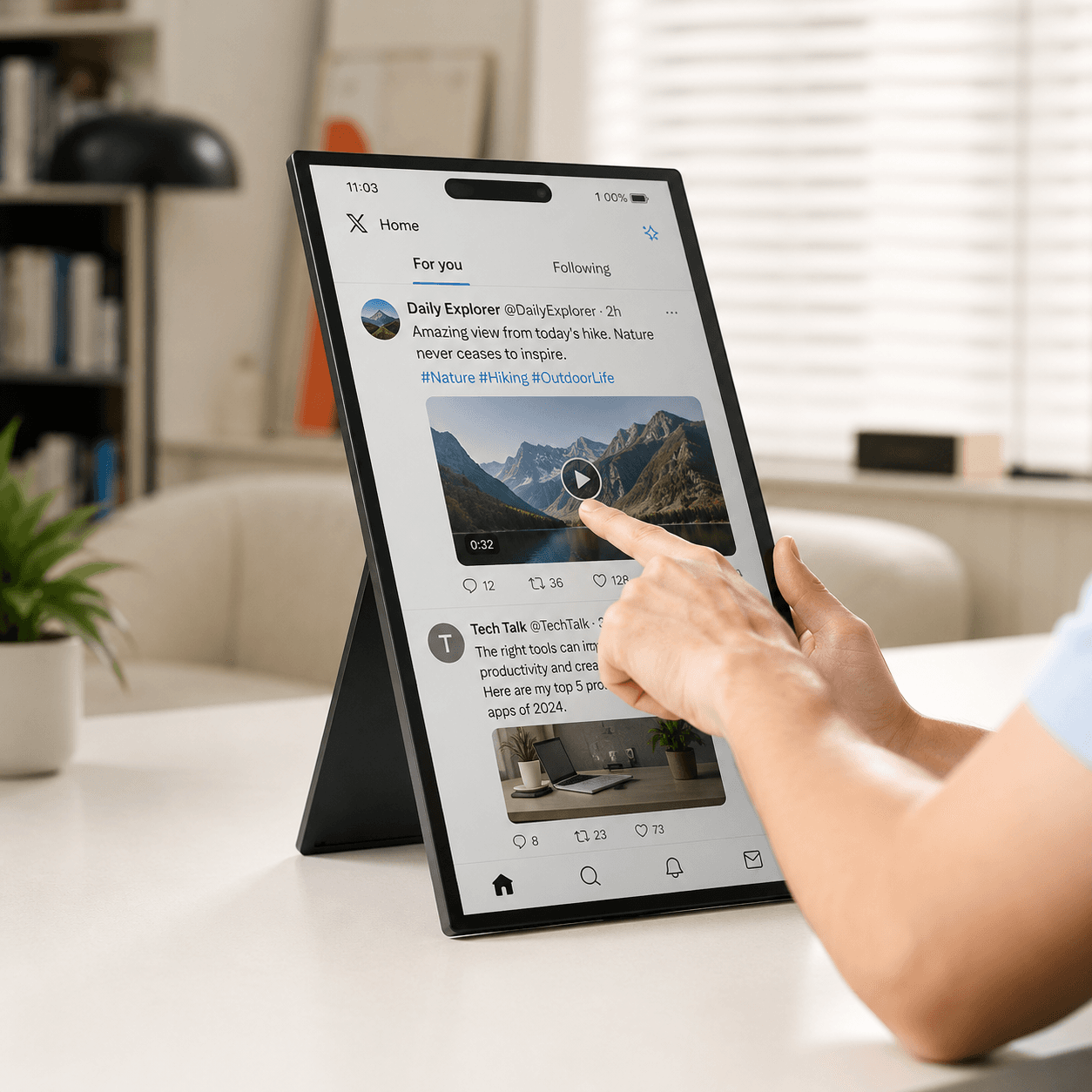
4URPC Wireless Monitor
A 15.6-inch FHD IPS touch display that mirrors phones and laptops wirelessly and sends touch input back.