
Catsights
One Keyboard. Three Ways to Work.
What if your keyboard could do more than type? Catsights brings a keyboard, a 6.8-inch glass trackpad, and a numeric keypad together in one streamlined device. With switchable touch modes, familiar macOS gestures, Windows compatibility, and three connection options, it simplifies everything from writing documents to navigating your desktop and entering numbers. Fewer separate accessories, more functionality at your fingertips.
- Status
- Campaign live
These links go to the product's Japan-market stores.
Editor’s view
Why it matters
Writing a document, reaching for a mouse to navigate, then switching to a numeric keypad to work on a spreadsheet—these small transitions are part of everyday computer work. But every additional device takes up desk space and adds another step between what you want to do and getting it done.
Catsights offers a different approach. By combining three essential input functions into one thoughtfully designed keyboard, it lets you type, navigate, and enter numbers without relying on separate accessories. A spacious touch surface works alongside physical keys, bringing precise navigation and tactile typing into a single setup.
Designed with Mac users in mind while also supporting Windows, Catsights brings familiar multi-touch controls into a more versatile form. Whether you're writing, reviewing documents, or working with numbers, it keeps essential interactions within easy reach.
Key Features of Catsights
Three Essential Input Devices, One Integrated Design
At the heart of Catsights is a simple idea: a keyboard, trackpad, and numeric keypad should be able to work together as one device. Instead of filling your desk with separate peripherals, Catsights combines all three functions in a streamlined form.
Its 6.8-inch glass trackpad provides a generous surface for cursor movement, scrolling, and multi-touch gestures. There's enough room for your fingers to move naturally, making it easier to navigate documents, applications, and desktops without reaching for a separate mouse.
Integrating these controls also helps reduce the number of accessories you need to carry or arrange on your desk. Whether you're working at home, in the office, or on the move, Catsights makes it easier to maintain a familiar setup while keeping your workspace uncluttered.
Two Modes, One Surface: From Trackpad to Numeric Keypad
One of Catsights' most practical features is its dual-mode touch surface. In Trackpad Mode, the glass panel provides intuitive navigation and gesture control. Switch to Numpad Mode, and the same surface becomes a dedicated numeric input area.
The benefit becomes particularly clear when working with spreadsheets or financial documents. You can scroll through information, review figures, and move to number entry without needing an additional keypad. Everyday calculations and data-heavy tasks become part of a more connected workflow.
To make touch-based number entry more deliberate, Catsights includes accidental-touch prevention technology and built-in haptic feedback. Subtle vibrations accompany supported numeric interactions, providing a tactile response even though the number pad has no traditional mechanical keys.
The numeric interface also features built-in backlighting, making its controls easier to see in dimly lit environments. When you need to enter numbers, the illuminated layout is ready; when you return to navigation, the same surface resumes its role as a trackpad.
Familiar Mac Gestures on a Spacious Glass Trackpad
For Mac users, Catsights supports the full range of Apple Magic Trackpad gestures on macOS, bringing familiar touch interactions directly into the keyboard.
Scroll through documents with two fingers, pinch to zoom in or out, switch between applications, and navigate multiple desktops using supported multi-touch gestures. These controls allow you to move around your workspace without constantly switching between different input devices.
The 6.8-inch glass surface offers plenty of room for multi-finger interactions, while precise gesture recognition is designed to keep navigation responsive and intuitive.
Catsights also supports both macOS and Windows, automatically recognizing the connected operating system and adapting its gesture behavior accordingly. For users who move between the two platforms, this helps provide a more familiar experience across different setups.
Supported gestures can also be customized through compatible system accessibility settings. By assigning supported actions to single-finger, two-finger, and three-finger interactions, you can tailor navigation to the way you prefer to work.
A Keyboard Designed for Comfortable, Responsive Typing
Bringing touch controls into a keyboard shouldn't mean compromising the typing experience. Catsights pays attention to the physical details that matter whenever your fingers meet the keys.
The keyboard features 2 mm of key travel and generously sized 16.6 mm keys, giving your fingers room to move while providing a responsive typing feel. A carefully designed scissor-switch mechanism balances smooth key movement with tactile feedback, supporting everything from short messages to extended writing sessions.
Catsights also incorporates a 6.1° ergonomic typing angle, designed with natural finger placement and wrist positioning in mind. The gentle incline helps create a comfortable typing position without relying on an overly complicated design.
Together, these features make the keyboard more than just a place to enter text. They help create a cohesive input experience in which typing and touch navigation work side by side.
Three Connection Options for Different Workspaces
Different work environments call for different ways to connect. Catsights supports Bluetooth, 2.4GHz wireless, and USB-C wired connections, giving users the flexibility to choose the setup that suits them.
Wireless connectivity helps keep cables off the desk, while USB-C offers a direct wired alternative. Whether you prefer a minimal workspace or a cable-connected setup, you can select the connection method that fits your equipment and working habits.
For macOS users, familiar Apple Magic Trackpad gestures are supported across all three connection modes. This means the core multi-touch experience remains available whether you're connected wirelessly or through USB-C.
Catsights is also designed for convenient power management, offering up to 30 days of standby time on a full charge. That makes it practical to keep the keyboard ready between work sessions without constant attention to charging.
Conclusion
Catsights takes three familiar computer accessories and brings their essential functions together in one thoughtfully integrated keyboard. The result is a cleaner approach to typing, navigating, and working with numbers.
For Mac users who enjoy gesture-based navigation, people who regularly work with spreadsheets, or anyone looking to reduce the number of devices on their desk, Catsights offers a compelling combination of versatility and convenience.
Rather than adding another accessory to your workspace, it brings more functionality into the device already at the center of your daily work. Catsights shows how a simpler setup can still offer more ways to interact with your computer.
Product information is based on manufacturer announcements. Modern-G has not tested this product hands-on. Last updated:
Details
Specifications
Full specifications are not confirmed yet. We will update this page once they are published.
For Brands
Are you the brand behind this product?
Official stores, specifications and images are updated after our editors check them.
Keep exploring
Related discoveries
Computers & Mobile
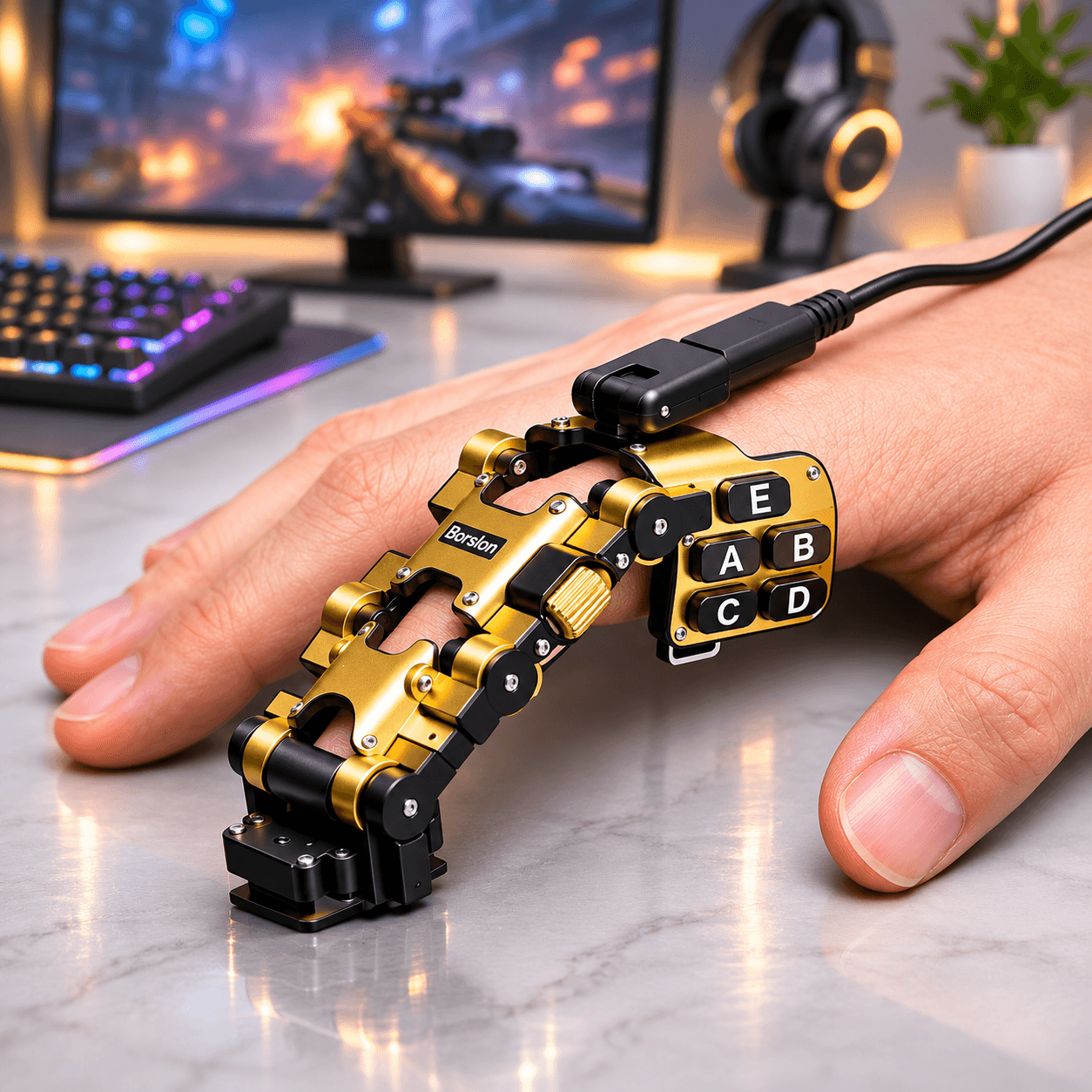
BORSLON
A New Way to Game, Right at Your Fingertips。
View details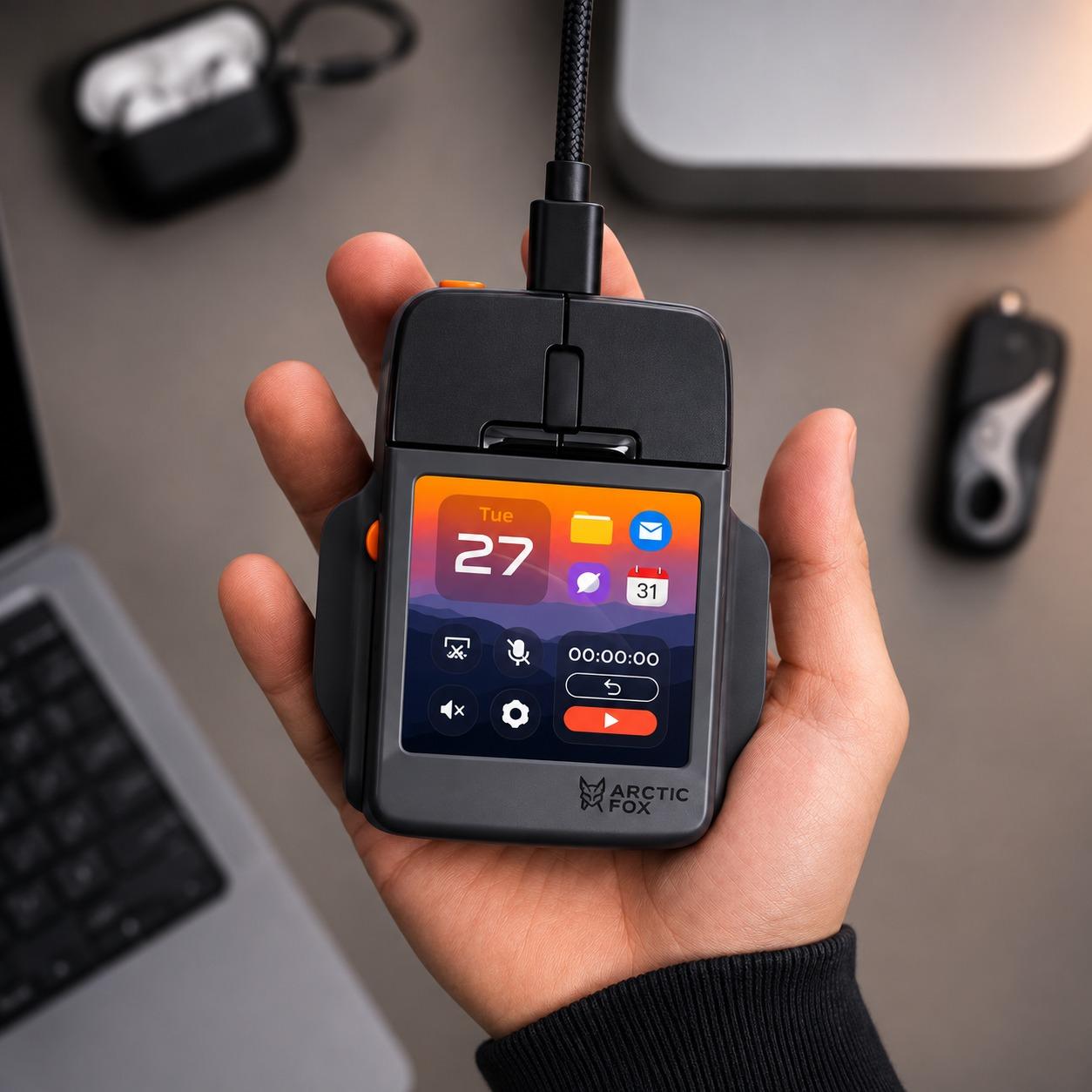
Computers & Mobile
Super Mouse
Turn Your Mouse into a Personal Command Center。
View details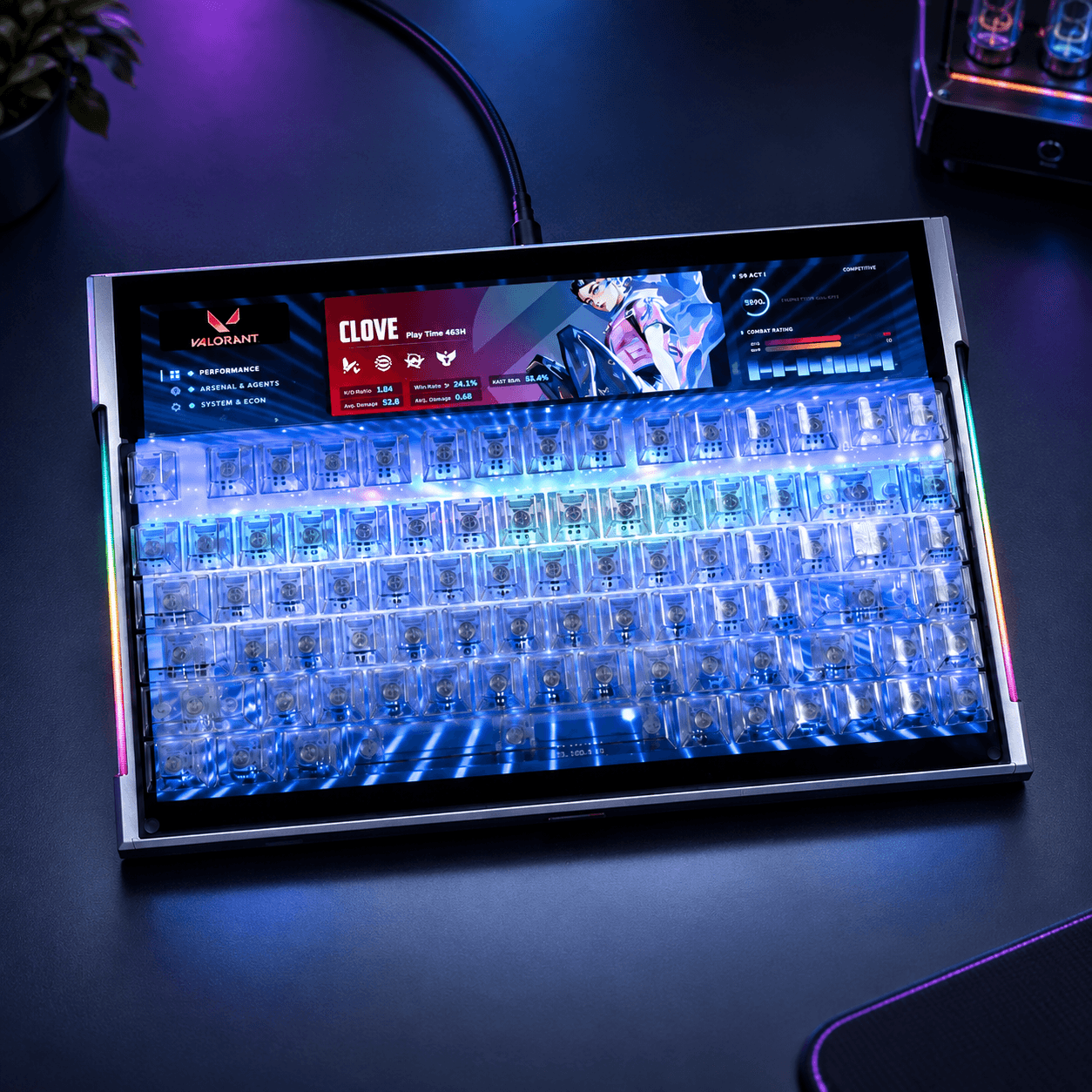
Computers & Mobile
DSPIXELKEY
A Hall Effect keyboard with a 14-inch IPS display beneath clear keys and a programmable ultrawide strip above
View details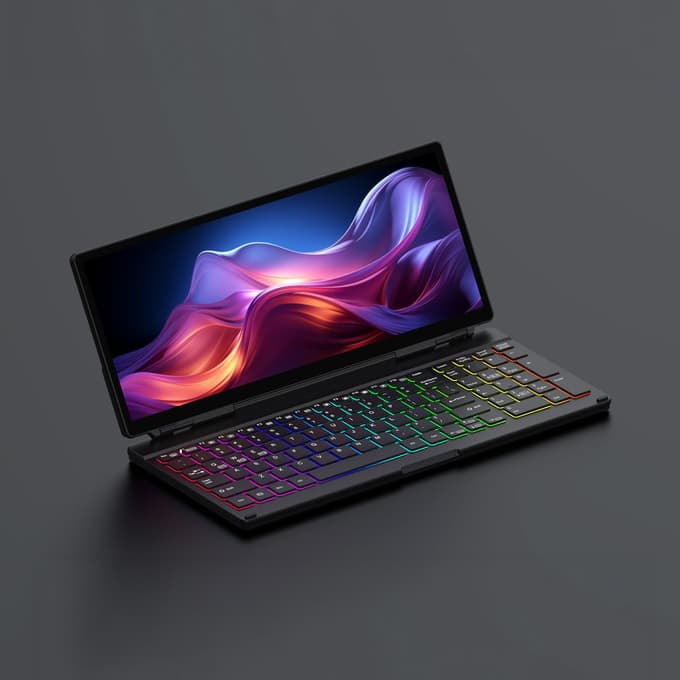
Computers & Mobile
KeyGo Gen2
A 180° folding keyboard with a built-in 13-inch 4K/60Hz touchscreen and speakers, under 2cm thick
View details