
Super Mouse
Turn Your Mouse into a Personal Command Center。
What if your most-used tools were always within reach? Super Mouse transforms the traditional computer mouse into a cust…
- Status
- Campaign live
AdModern-G may earn a commission if you buy or back through links on this page.
Advertising disclosureEditor’s view
Why it matters
What if your most-used tools were always within reach? Super Mouse transforms the traditional computer mouse into a customizable productivity hub with a 3.1-inch touchscreen, app-specific shortcuts, voice dictation, gesture controls, and calendar integration. Designed to reduce unnecessary window switching and repetitive commands, it puts more control at your fingertips.
Product Introduction
Opening another app. Searching through a menu. Trying to remember a keyboard shortcut. These small interruptions can quickly add up when you're working across multiple programs.
Super Mouse by Arctic Fox offers a different approach.
Combining familiar mouse controls with a built-in touchscreen, programmable buttons, voice input, and motion-based gestures, it brings frequently used tools together in one device. Instead of constantly moving between applications and input methods, you can access essential commands directly from the mouse already in your hand.
It's an alternative way to organize your workflow, whether you're editing content, writing code, managing your schedule, or handling everyday computer tasks.
Key Features of Super Mouse
A 3.1-Inch Touchscreen That Puts Your Tools Within Reach
At the heart of Super Mouse is a 3.1-inch touchscreen with a resolution of 720 × 720 pixels.
The display acts as a customizable control panel, giving you direct access to application shortcuts, calendar widgets, system settings, and frequently used commands.
You can launch or switch applications, adjust your computer's volume, and control screen brightness using touch-based controls. This means fewer trips through settings menus and less need to interrupt the window you're currently working in.
The display also functions as a multi-touch trackpad, supporting gestures for scrolling, zooming, and navigation.
Custom gestures can be assigned to specific actions, allowing you to trigger frequently used commands through movements on the touchscreen.
By integrating these controls into the mouse itself, Super Mouse creates an additional interaction surface without requiring a separate desktop controller.
App-Aware Shortcuts and Programmable Hyper Keys
Different applications demand different tools. A shortcut that's useful for video editing may have little relevance when writing code or designing an interface.
Super Mouse addresses this through application-aware shortcuts that adapt to the software you're using.
For example, you can access design-related controls in Figma, timeline functions in Premiere Pro, or development commands in VS Code. Instead of memorizing numerous keyboard combinations, you can bring commonly used actions directly to the mouse.
The device also features programmable physical buttons called Hyper Keys.
These buttons can be configured for straightforward actions such as copying and pasting, as well as macros that execute several steps in sequence.
Through the dedicated Flow Desktop application, you can create custom shortcuts, configure macros, personalize touchscreen layouts, and build profiles for different activities.
Separate setups for work, creative editing, or gaming make it possible to organize commands according to how you actually use your computer.
Voice Dictation and a Built-In Digital Keyboard
Typing isn't always the most convenient way to enter text, particularly when you're switching between mouse navigation and written input.
Super Mouse features built-in microphones and voice-to-text functionality, allowing you to turn spoken words into written content.
You can use voice dictation for emails, code comments, scripts, and other text-based tasks. It provides another input option when you prefer speaking to typing.
The touchscreen also includes a digital keyboard that extends beyond basic character entry.
With support for special keys, function keys, media controls, and customizable layouts, it brings additional keyboard functionality directly to your fingertips. Swipe-based text entry offers another way to input text using the display.
Together, voice dictation, touchscreen typing, and programmable physical controls give you more flexibility in choosing how to interact with your computer.
Calendar Integration and Productivity Tools on Your Mouse
Checking your next meeting shouldn't always require opening another window.
Super Mouse supports Google Calendar integration, allowing you to view and manage scheduled events directly through its touchscreen.
You can create, edit, and delete calendar entries, check upcoming appointments, and receive reminders and notifications while keeping your current work visible on your computer.
Calendar access uses OAuth authentication, and events remain stored in your Google account rather than on Arctic Fox servers.
Beyond scheduling, Super Mouse also includes productivity tracking features designed to help you understand your working habits.
Focus time monitoring and active usage tracking provide insights into how you spend your time. Daily, weekly, and monthly reports make it possible to review activity patterns, while a focus timer helps structure work sessions.
These features make the mouse useful not only for controlling applications, but also for keeping important information and time-management tools close at hand.
Gyro Motion Controls Add Another Way to Interact
Super Mouse introduces an additional input method through its built-in gyroscope-based motion controls.
Instead of relying exclusively on clicks, scrolling, or touchscreen gestures, you can assign commands to physical movements of the mouse.
Tilting, rotating, or flicking the device can trigger selected actions, opening up different control possibilities.
These motion-based commands can be used for presentations, media playback, and creative applications.
For users who frequently perform repetitive actions, the ability to assign commands to physical gestures provides another way to personalize their workflow.
Rather than replacing traditional mouse controls, gyro input expands the range of interactions available from the same device.
Wired Reliability, Desktop Compatibility, and Three Color Choices
Super Mouse supports Windows and macOS and connects through a wired USB connection.
Its dimensions are 109 × 91 × 29 mm, with a distinctive design that combines conventional left and right mouse buttons, a scroll wheel, programmable controls, and a touchscreen on the upper surface.
The wired design eliminates the need for routine wireless charging and avoids dependence on Bluetooth connectivity during use.
Additional functions and personalized workflows are configured through the Flow Desktop software, which provides a centralized interface for managing the device's settings.
Super Mouse is available in three color options: Divine Yellow, Cloud White, and Drone Gray.
The bright yellow version creates a bold visual contrast, while white and gray offer more understated alternatives. Each version retains the same distinctive touchscreen-centered design.
Conclusion
Super Mouse brings together tools that would otherwise require multiple keyboard commands, application menus, or separate desktop controls.
Its touchscreen, customizable shortcuts, voice input, motion gestures, and calendar functions offer a more flexible way to manage everyday computer interactions.
For creative professionals working across different applications, developers handling repeated commands, or office users looking to organize their workflow, the ability to personalize controls is particularly appealing.
Super Mouse doesn't simply add more buttons to a conventional mouse. It introduces a new place for your most-used commands, information, and productivity tools.
For anyone interested in making their desktop setup more adaptable to the way they work, Super Mouse offers an intriguing alternative to the traditional mouse.
Product information is based on manufacturer announcements. Modern-G has not tested this product hands-on. Last updated:
Details
Specifications
Full specifications are not confirmed yet. We will update this page once they are published.
For Brands
Are you the brand behind this product?
Official stores, specifications and images are updated after our editors check them.
Keep exploring
Related discoveries
Computers & Mobile
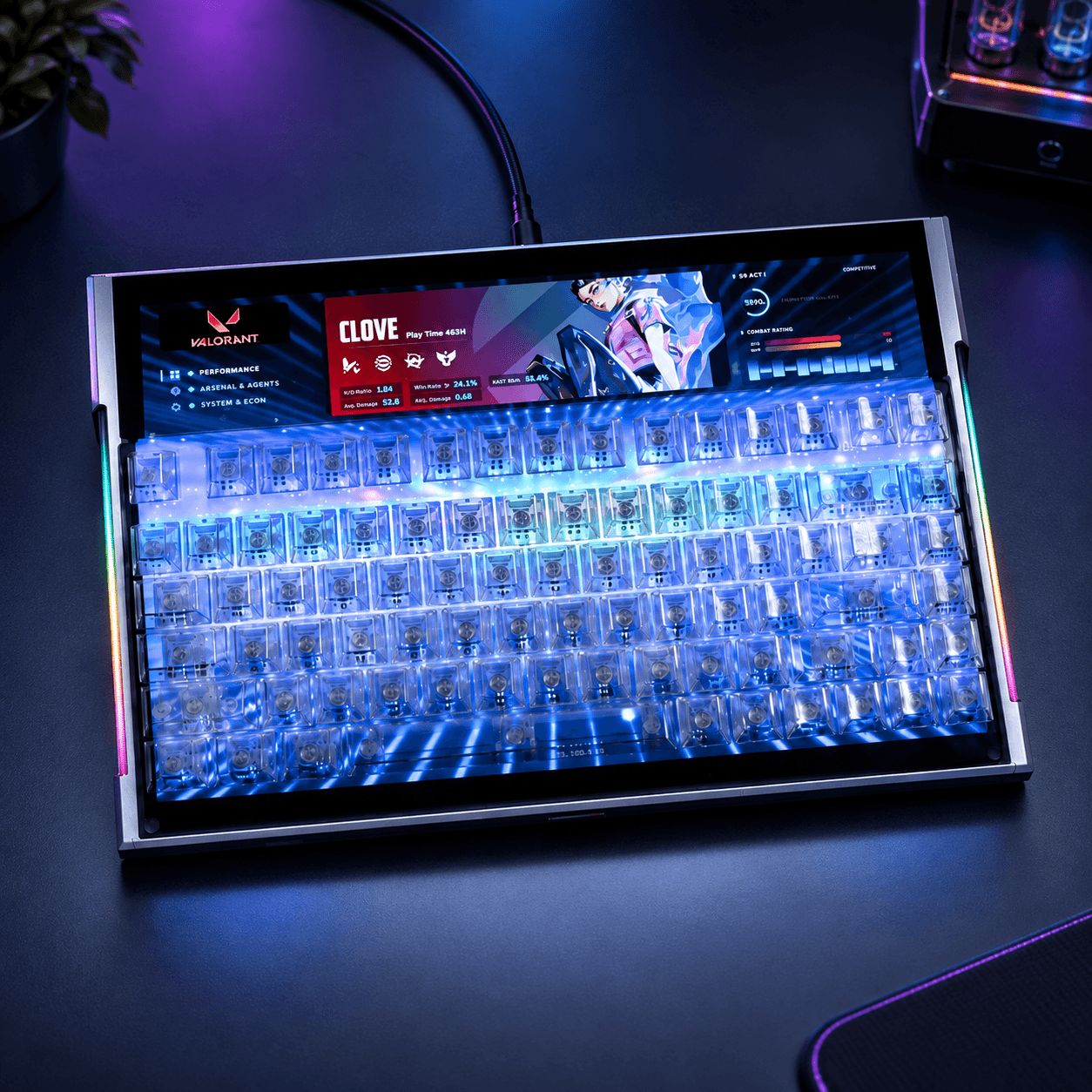
DSPIXELKEY
A Hall Effect keyboard with a 14-inch IPS display beneath clear keys and a programmable ultrawide strip above
Computers & Mobile
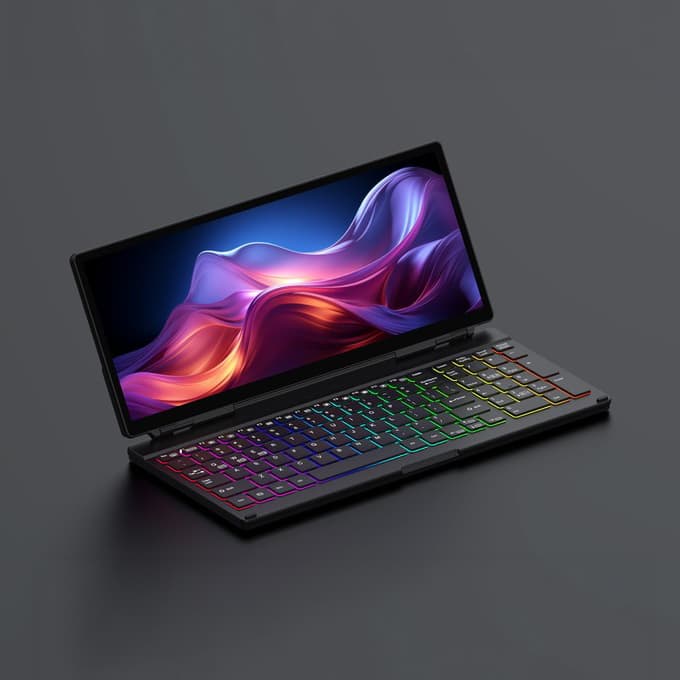
KeyGo Gen2
A 180° folding keyboard with a built-in 13-inch 4K/60Hz touchscreen and speakers, under 2cm thick
Computers & Mobile
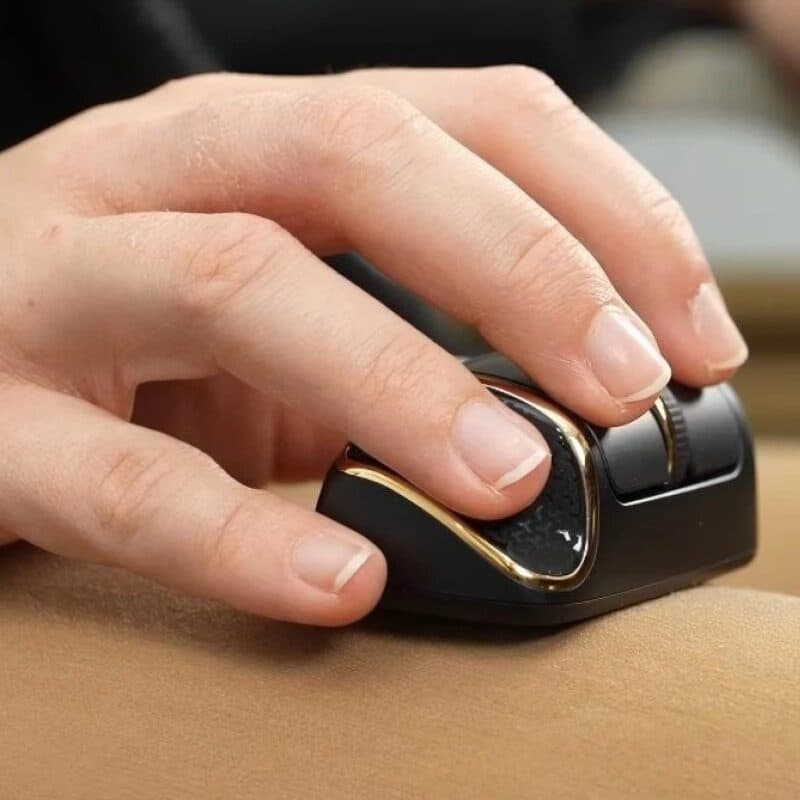
NanoFlow i2 Air
A 35 g horizontal mouse you steer with your fingertips, palm off the shell, built for laps and tray tables
Computers & Mobile
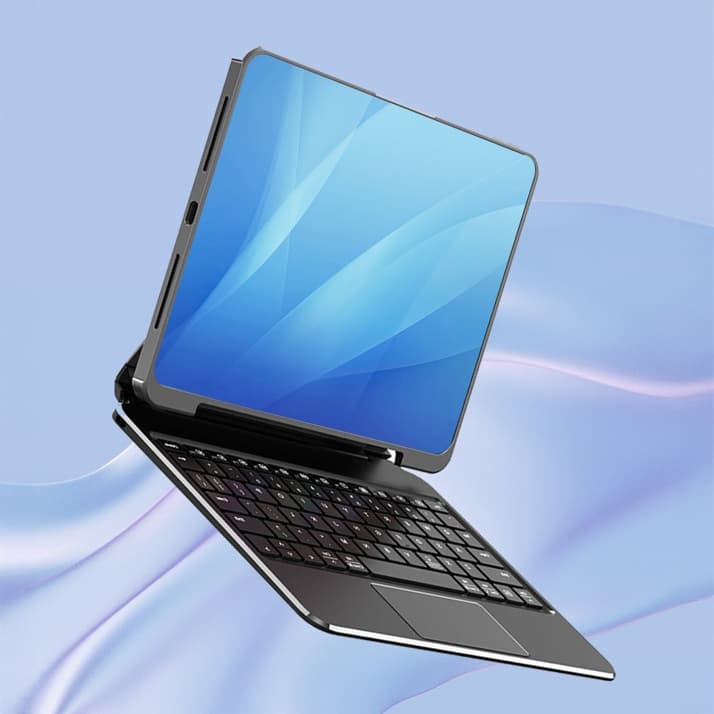
Koperole
A magnetic keyboard case that lets an iPad snap on and off its stand, with a trackpad and a 135° hinge