
HyperSpace TrackPad Pro
A piezo-haptic, force-sensing Windows trackpad built around per-app shortcuts and gestures
Editor’s view
Why it matters
Windows users looking for a precise external trackpad often run into two complaints: haptics that feel unconvincing and little room to tailor the device to their work. The HyperSpace TrackPad Pro, developed by Hyper Products Inc. and presented as a Kickstarter project, is pitched squarely at both. The maker describes it as "the world's most advanced Windows trackpad" — its own claim.
Haptics and response
At its core are piezo haptics and full force sensing. According to the maker, the 240Hz report rate brings latency close to zero, and the whole surface responds uniformly, so a click near the edge should feel the same as one in the center. Rather than a simple vibration, the haptics are described as contextual, varying with the depth and purpose of a click.
Hydra® Connect profiles
The more distinctive part is software. Through Hydra® Connect, users can build app-specific profiles that map actions to gestures, pressure and touch zones. The maker's examples include switching brushes in Photoshop with a deep click, adjusting stroke width, font size or opacity in Illustrator using analog force, inserting rows in Excel, advancing slides in PowerPoint and toggling mute or starting screen sharing in Microsoft Teams. Profiles switch automatically as you change apps, and a floating overlay called Hydra® Widget shows the active profile and allows manual switching.
- Deep click: separate tasks for one-, two- and three-finger presses
- Dynamic action zones: corner areas for actions such as undo, redo, mute or a screenshot tool
- Edge Scrollers: swipe along the left or right edge to scroll or trigger commands
- Global shortcuts: window snapping, virtual desktop switching, volume and track control, launching folders or files
- Any action assignable as a keyboard macro can be mapped to a gesture or shortcut, the maker says
Platform support
The full feature set requires Windows 10/11 and the Hydra Connect software, which the maker says integrates out of the box with Adobe apps (Photoshop, Illustrator, Premiere Pro), the Microsoft suite (Excel, Word, PowerPoint, Teams) and Figma. Basic functions such as tap to click, two-finger scrolling and three-finger window switching work without the software. On macOS, Hydra Connect is not supported, so only basic functions are available — enough, the campaign suggests, for people who move between a Windows PC and a Mac.
Product information is based on manufacturer announcements. Modern-G has not tested this product hands-on. Last updated:
Details
Specifications
Full specifications are not confirmed yet. We will update this page once they are published.
For Brands
Are you the brand behind this product?
Official stores, specifications and images are updated after our editors check them.
Keep exploring
Related discoveries
Computers & Mobile
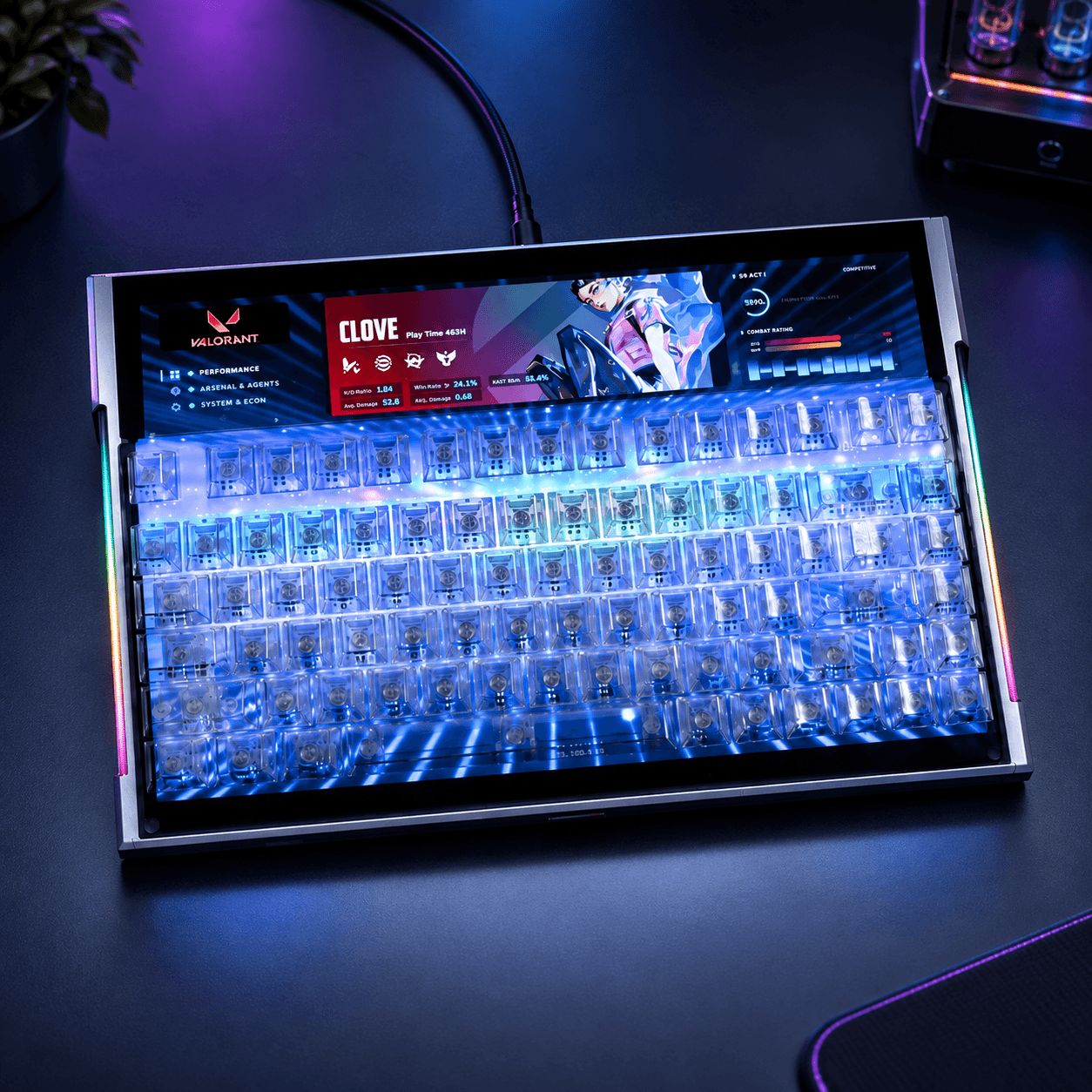
DSPIXELKEY
A Hall Effect keyboard with a 14-inch IPS display beneath clear keys and a programmable ultrawide strip above
Computers & Mobile
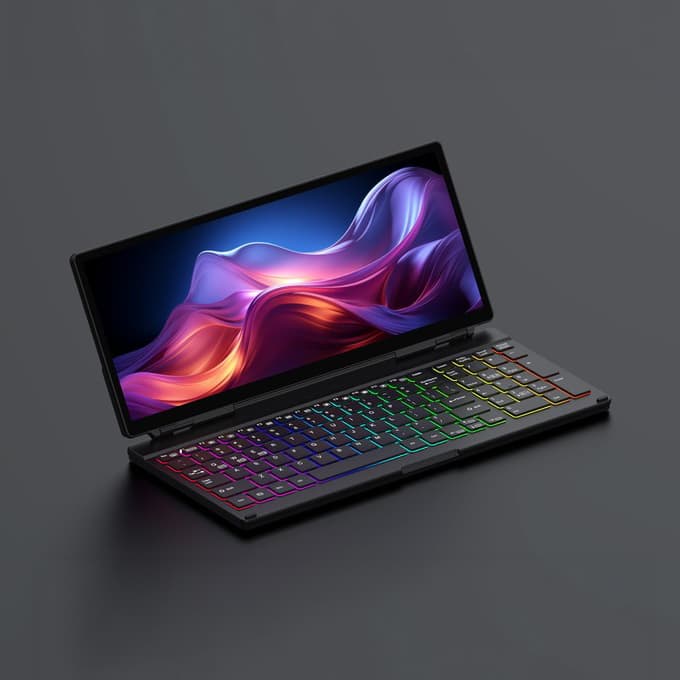
KeyGo Gen2
A 180° folding keyboard with a built-in 13-inch 4K/60Hz touchscreen and speakers, under 2cm thick
Computers & Mobile
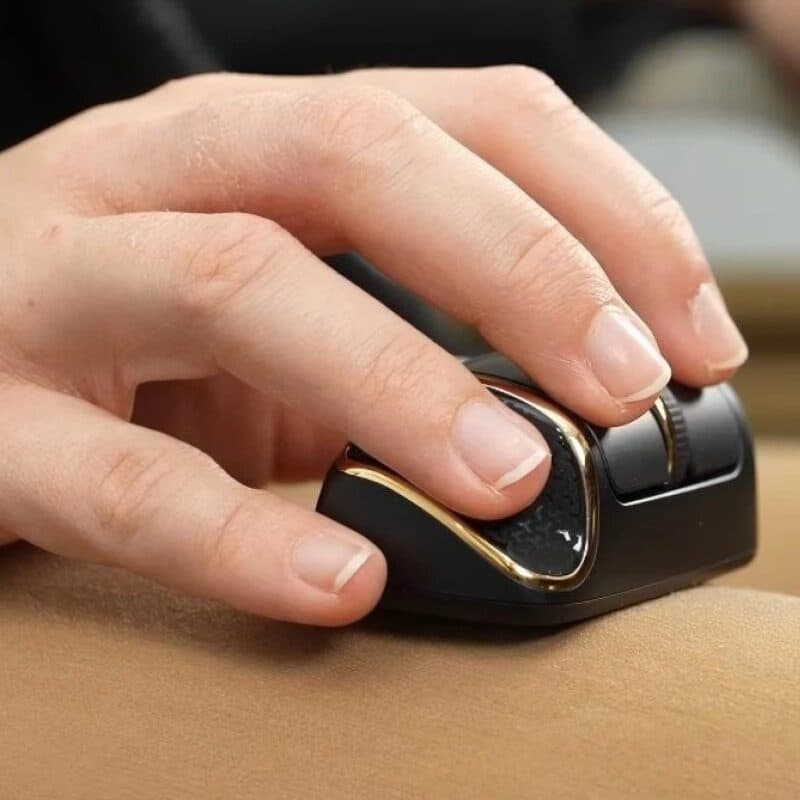
NanoFlow i2 Air
A 35 g horizontal mouse you steer with your fingertips, palm off the shell, built for laps and tray tables
Computers & Mobile
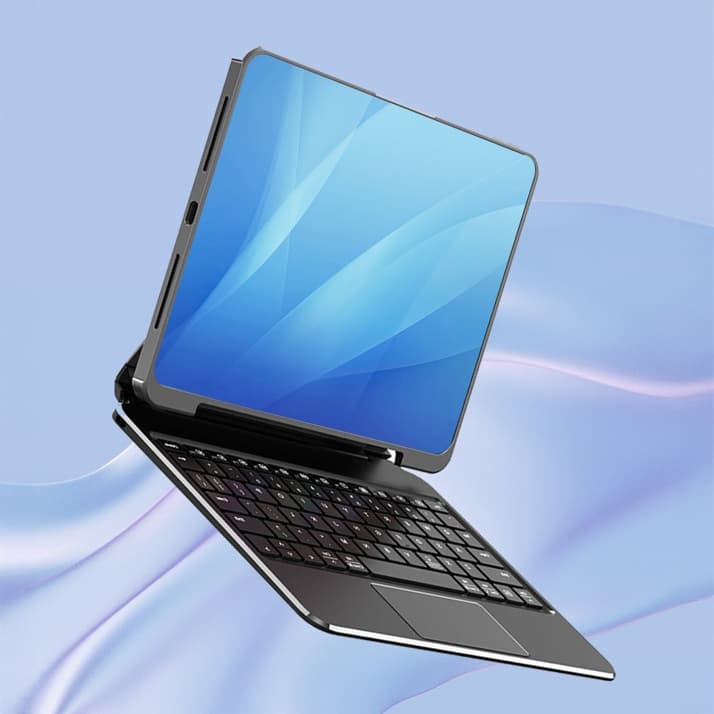
Koperole
A magnetic keyboard case that lets an iPad snap on and off its stand, with a trackpad and a 135° hinge