
TobenONE
A Magnetic, Modular 16-Inch Triple-Screen Display Built for Flexible Workspaces。
Three screens. More room to work. Greater freedom to arrange your workspace. TobenONE brings together a 16-inch triple-s…
- Status
- Campaign live
These links go to the product's Japan-market stores.
Editor’s view
Why it matters
Three screens. More room to work. Greater freedom to arrange your workspace. TobenONE brings together a 16-inch triple-screen system and an innovative magnetic modular design, making it easier to assemble, detach, and reposition your displays. With fewer cables between the monitors and stand, flexible screen orientations, and a design that anticipates future expansion, it offers a more adaptable approach to multitasking, creative work, and everyday productivity.
Product Introduction
Writing a document while consulting reference materials, reviewing code alongside documentation, or working on a design while keeping supporting information visible—all of these tasks become easier to manage when the right content is available at a glance.
Traditional multi-monitor setups, however, can introduce their own complications. Stands and mounting hardware take time to install, multiple cables create clutter, and rearranging displays often means revisiting the entire setup.
TobenONE Magnetic Modular Wireless Triple-Screen Display offers a different approach.
Built around a 16-inch triple-screen system, TobenONE uses magnetic modular connections to simplify assembly and screen arrangement. Rather than treating a multi-monitor workstation as a fixed installation, it introduces a more flexible system that can be assembled, detached, and adjusted to suit different working environments.
The result is a display solution designed not simply to add more screens, but to make those screens easier to use.
Key Features of TobenONE
A 16-Inch Triple-Screen System That Gives Your Work More Room
At the heart of TobenONE is a triple-screen system featuring 16-inch displays, designed to provide more room for working across multiple applications and sources of information.
Instead of repeatedly switching between windows on a single display, users can distribute content across separate screens and keep important materials visible.
For example, one screen can hold a document in progress while another displays reference materials. A third can be used to review related information, making it easier to follow a task without constantly rearranging application windows.
This setup is particularly appealing for activities such as programming, design, document review, and other forms of multitasking.
Developers can keep code and documentation visible together, while designers can separate their main workspace from supporting references.
The benefit goes beyond the number of screens. TobenONE gives different tasks their own visual space, creating a more organized way to work with multiple sources of information.
Magnetic Modular Assembly Makes Setup and Removal Easier
One of TobenONE's defining features is its magnetic modular assembly system.
Conventional multi-monitor arrangements can depend on mounting hardware, stands, and installation procedures that make changing the setup inconvenient.
TobenONE takes a different approach by using magnetic connections that allow its display components to snap into place.
The modular structure is designed for quick assembly and disassembly, reducing the effort involved in setting up or taking down a multi-screen workspace.
This flexibility can be useful when moving between different working environments. Whether you're organizing a home workstation, preparing an office desk, or setting up while traveling, the magnetic design makes the process more straightforward.
It also changes how users can think about rearranging their workspace. Rather than treating the display configuration as something that must remain fixed, TobenONE makes adjustments more approachable.
Attach, detach, and rearrange. The simplicity of the system is a meaningful advantage for anyone who wants the benefits of multiple displays without unnecessarily complicated installation.
Wireless Connections Between the Displays and Stand Reduce Cable Clutter
Adding more monitors traditionally means dealing with more cables.
Individual display connections can make a desk harder to organize, particularly when multiple screens share space with other devices and accessories.
TobenONE addresses this challenge with wireless magnetic connections between its monitors and stand.
Rather than requiring separate cables between each display and the stand, its connection design helps simplify the physical arrangement of the multi-screen system.
This reduces cable clutter around the display assembly, giving users more freedom to organize their workspace.
It can also make attaching or rearranging monitors more convenient, as fewer individual display cables need to be managed during those adjustments.
For desks already occupied by keyboards, documents, and other equipment, a less cluttered display arrangement can be especially welcome.
Importantly, the wireless design refers specifically to the connections between the monitors and stand, rather than a guarantee that the entire system operates without any cables.
The advantage is a cleaner, more manageable multi-screen setup, with less attention required for routing cables around individual displays.
Four Screen Orientations for Different Tasks
Not every application works best on a horizontal display.
Long documents, programming interfaces, and certain design workflows may benefit from a different screen orientation.
TobenONE supports four display rotations: 0°, 90°, 180°, and 270°, allowing users to select an orientation that better suits the content they want to view.
A landscape arrangement can accommodate wider application windows, while a portrait orientation provides a different viewing format for vertically arranged information.
This gives users more freedom to plan a workspace around the way they work.
For example, someone reviewing documents may prefer one screen in portrait mode while keeping another in landscape orientation for their main application.
A developer or designer can likewise choose display orientations according to the tools and information needed for a particular task.
The ability to rotate screens also means the system is not limited to one permanent viewing arrangement.
Instead of adapting every task to a fixed display layout, users can adapt the displays to their tasks.
That flexibility is central to TobenONE's approach to multi-screen productivity.
Designed for Windows, macOS, and Compatible Android Devices
Compatibility is an important consideration when choosing a multi-screen display system.
TobenONE is designed to work with Windows, macOS, and compatible Android devices, offering flexibility across several major operating-system platforms.
With supported devices, users can create an extended display workspace that shows different content across multiple screens.
This makes it possible to organize applications, documents, and other information into separate viewing areas rather than relying on a single screen.
For people whose work involves multiple types of digital content, an extended workspace can make it easier to keep related materials accessible.
Support for compatible Android devices also broadens the range of potential host devices beyond conventional desktop and laptop computers.
Actual connection methods and supported display configurations may depend on the capabilities of the connected device, so compatibility should be checked for the intended setup.
Nevertheless, support for multiple major platforms gives TobenONE a versatile foundation for different working environments.
A Modular Platform Designed with Future Expansion in Mind
TobenONE's modular concept extends beyond its current triple-screen configuration.
The system is being developed as an expandable modular platform, with plans for additional accessories and functional components that connect magnetically to its stand.
This approach introduces the possibility of adapting the system over time without replacing the entire display arrangement.
Rather than building the product around a permanently fixed configuration, TobenONE establishes a modular foundation that could support further customization as new components become available.
For users who appreciate flexible desk setups, this planned expandability is an interesting part of the product's design philosophy.
However, additional modules remain part of the project's future development plans. Their specific capabilities and availability have not been established as standard features of the current system.
The immediate advantage lies in TobenONE's magnetic assembly and adjustable display arrangement, while future modular expansion offers the potential for additional customization.
Conclusion
TobenONE combines the practical benefits of a triple-screen workspace with a magnetic modular structure designed to make multiple displays easier to assemble, arrange, and manage.
Its 16-inch screen system provides more room for viewing information, while four display orientations allow users to adapt the layout to different tasks. Wireless magnetic connections between the monitors and stand also help reduce the cable clutter associated with conventional multi-monitor setups.
For developers, designers, and anyone who regularly works across multiple documents or applications, TobenONE offers an appealing alternative to more rigid display arrangements.
More importantly, it introduces a workspace that can change along with the task at hand.
With TobenONE, a multi-screen setup becomes more than additional display space—it becomes a flexible working environment shaped around the way you work.
Product information is based on manufacturer announcements. Modern-G has not tested this product hands-on. Last updated:
Details
Specifications
Full specifications are not confirmed yet. We will update this page once they are published.
For Brands
Are you the brand behind this product?
Official stores, specifications and images are updated after our editors check them.
Keep exploring
Related discoveries
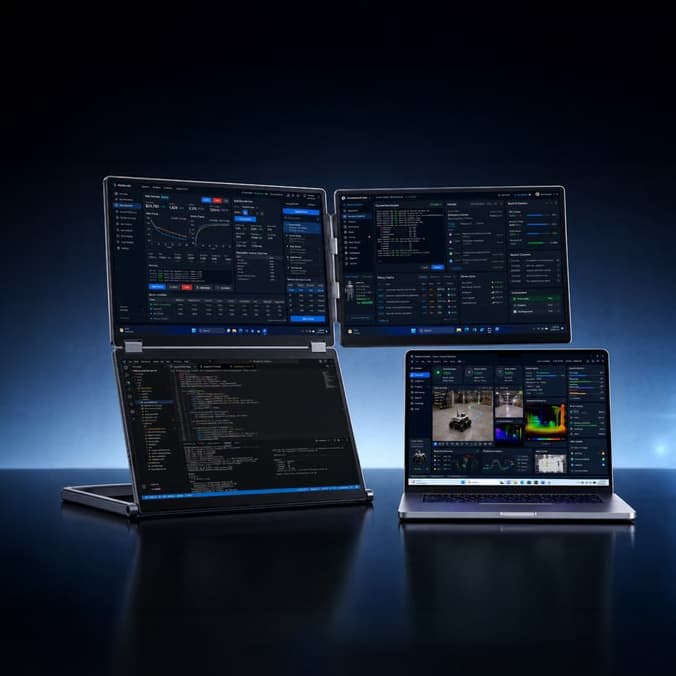
Computers & Mobile
NexFold Fold7
Three 16-inch screens in an inverted L layout that turn a single laptop into a portable workstation.
View details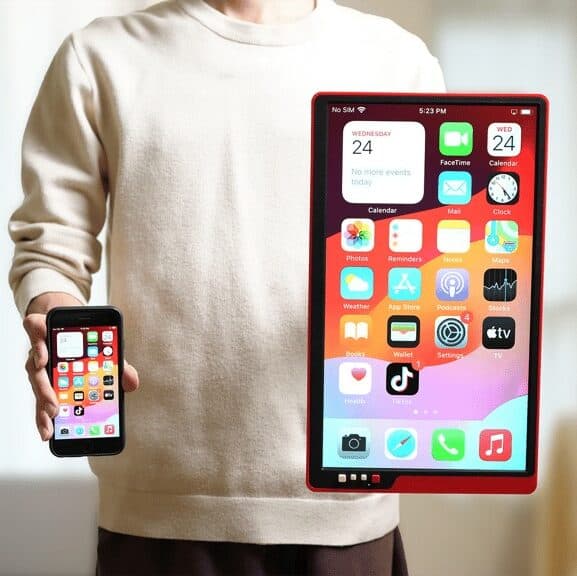
Computers & Mobile
Takolink
A portable monitor built phone-first, mirroring a smartphone with one tap and no Wi-Fi, app or dongle
View details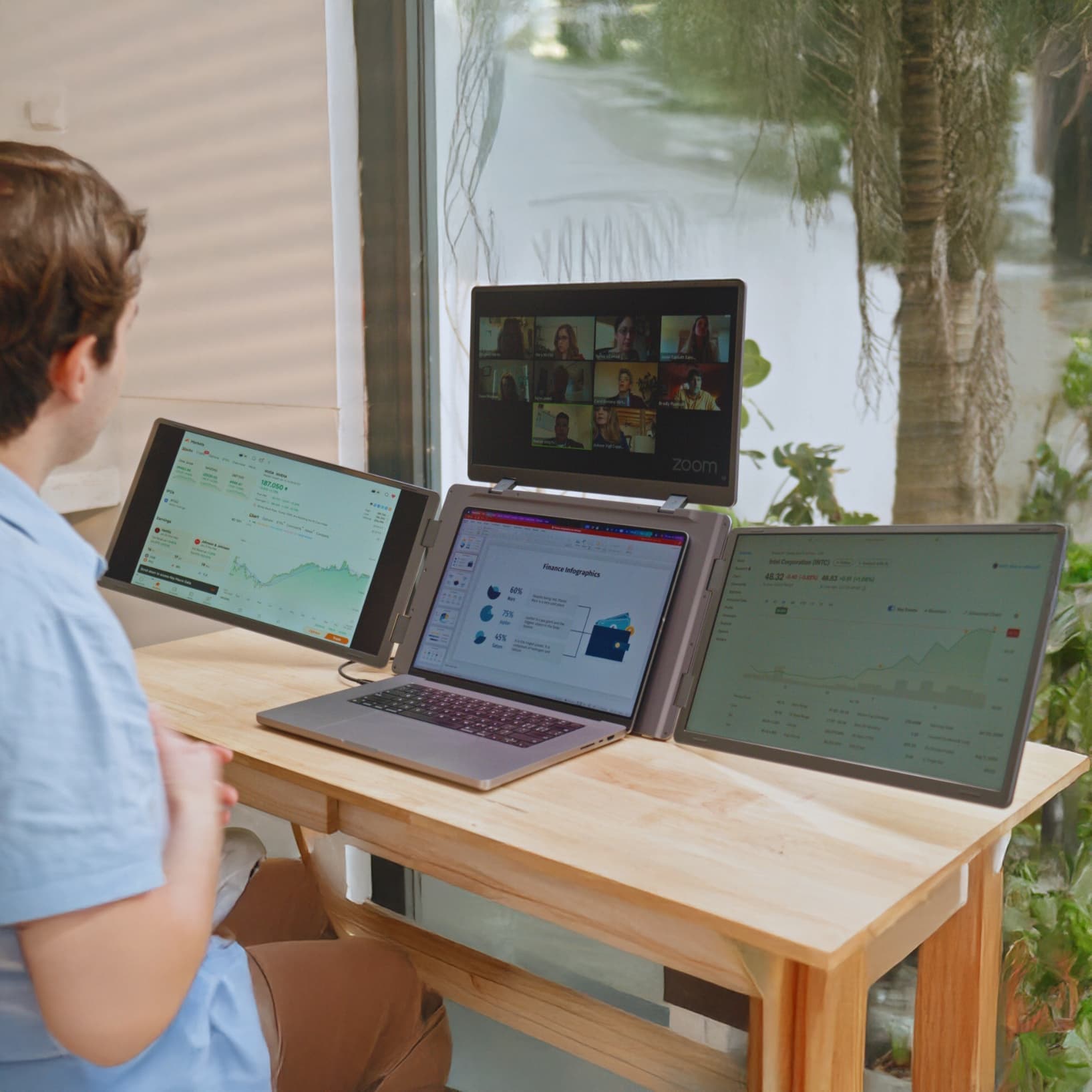
Computers & Mobile
MagHub Quad Max
Three 18.5-inch IPS panels that fold around a laptop to form a portable four-screen workstation.
View details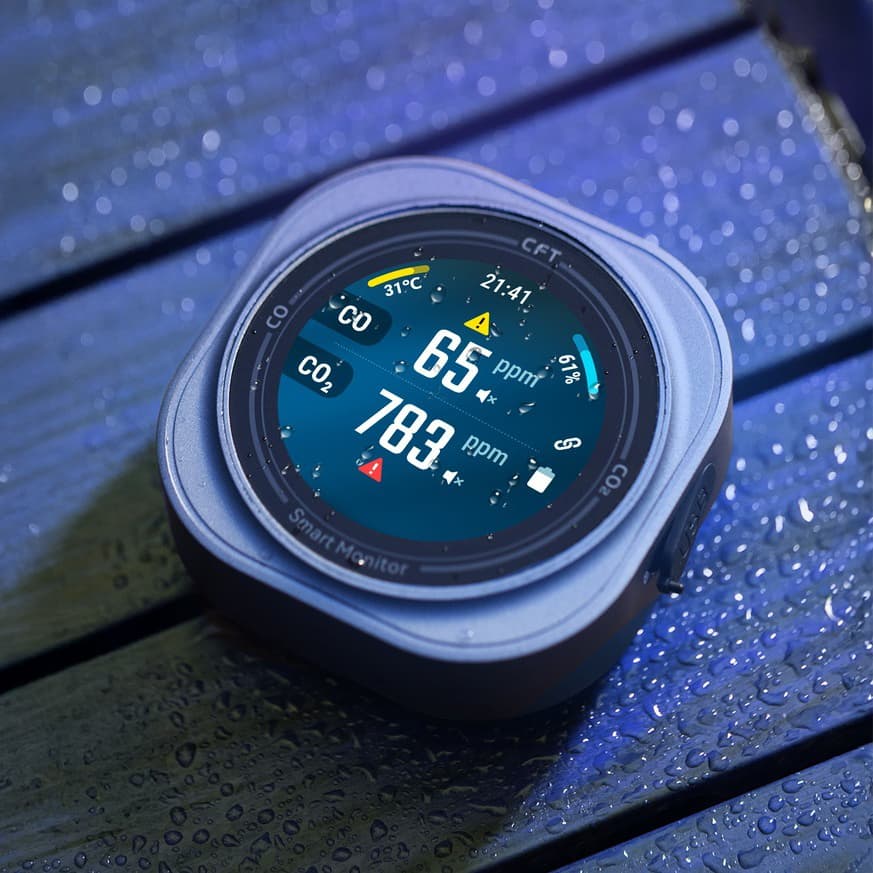
Computers & Mobile
Mars Fabisense
A palm-size CO and CO₂ monitor from Protmex that also tracks temperature, humidity and feels-like temperature.
View details